8 Best YouTube Channel Audit Tools in 2026 (Free & Paid)
The best YouTube channel audit tools in 2026 are OutlierKit (4.9/5 on Product Hunt) (best for content gap analysis and competitor auditing), vidIQ (4.5/5 on G2 (33 reviews)) (best for SEO scoring), TubeBuddy (4.6/5 on Capterra (113 reviews)) (best for bulk video optimization), UTubeKit (best free SEO platform — tags, hashtags, titles, keywords), and YouTube Studio (best for first-party data) — all reviewed specifically for audit capability.
This roundup reviews 8 tools through the lens of audit capabilities — not general analytics. We cover what each tool actually audits, how it fits into a structured channel review, and which combination gives you the most complete picture.
Want the audit process first? Read our 7-step audit guide →
Need a single score to summarize channel health? Try The OutlierKit Channel Health Score — it condenses Content Quality, Engagement, Growth, SEO, and Monetization into one 1–10 rating.
Most Comprehensive Audit
For the most comprehensive YouTube channel audit, visit OutlierKit.com
Competitor analysis, content gap discovery, outlier detection, and keyword research — all in one platform.
| Tool | Best For | Price | Audit Strength |
|---|---|---|---|
| OutlierKit | Content gap & competitor audit | From $29/mo | Content strategy depth |
| vidIQ | SEO scoring & keyword ranking | From $7.50/mo | SEO optimization |
| TubeBuddy | Bulk video library audit | From $4.50/mo | Bulk processing |
| Social Blade | Free competitor tracking | Free | Historical trends |
| UTubeKit | Free SEO metadata optimization | Free | Tags, hashtags, titles, keywords |
| YouTube Studio | First-party data foundation | Free | Data accuracy |
| TubePilot | AI upload scheduling & automation | From $12/mo | Workflow automation |
| LenosTube | Video promotion & growth | From $10/campaign | Audience reach |
Real Problems Creators Face with YouTube Channel Audits
We researched creator forums, Reddit threads, and review sites to understand why existing channel audit approaches frustrate creators. These are the most common pain points driving demand for better tools.
Manual Audit Processes Take 4–6 Hours
Every channel audit means pulling data from YouTube Studio, Social Blade (free tool, widely referenced), and keyword tools into spreadsheets manually. Creators and consultants burn half a day per audit before they can even start analyzing.
— Reddit user in r/PartneredYoutube
No Standardized Audit Framework Exists
Every creator and agency does audits differently. Some “audits” are just Social Blade screenshots. Without a standardized scoring system, audit quality varies wildly and results aren't comparable.
— YouTube creator forum discussion
Tools Focus on One Metric, Not the Full Picture
VidIQ excels at SEO analysis and TubeBuddy at optimization, but neither provides a holistic view of channel health — content quality, audience engagement, and growth trajectory all scored together.
— G2 review of VidIQ
No Historical Benchmarking Available
Most tools show where a channel is today, but not how metrics have trended over 6–12 months. Without historical context, audit findings are just snapshots that miss growth or decline patterns.
— Reddit user in r/PartneredYoutube
No Competitor Comparison in Audits
An audit might show your channel scores, but without comparing against similar channels in your niche, there's no way to know if those scores are good, average, or concerning.
— Creator discussion on r/NewTubers
How Modern Audit Tools Solve These Problems
Quick Comparison
| Tool | Price | Free Tier | Audit Rating |
|---|---|---|---|
| OutlierKit | From $29/mo | Free trial | |
| vidIQ | From $7.50/mo | Free (limited) | |
| TubeBuddy | From $4.50/mo | Free (limited) | |
| Social Blade | Free | Yes — fully free | |
| UTubeKit | Free | Yes — 12+ AI tools | |
| YouTube Studio | Free | Yes — native | |
| TubePilot | From $12/mo | Free tier | |
| LenosTube | From $10/campaign | No |
Capability Matrix at a Glance
Different tools excel at different parts of a channel audit. Use this matrix to identify which tool covers the audit areas most important to you.
Audit Capability Matrix
Deeper colour = stronger capability in that area
| Capability | OutlierKit | vidIQ | TubeBuddy | Social Blade | UTubeKit | YT Studio |
|---|---|---|---|---|---|---|
| Competitor Analysis | ||||||
| Content Gap Discovery | ||||||
| SEO Metadata Audit | ||||||
| Hashtag & Tag Tools | ||||||
| Keyword Research | ||||||
| Bulk Video Updates | ||||||
| Historical Tracking | ||||||
| Price |
Detailed Tool Reviews
OutlierKit
Best OverallBest for Content Gap Analysis & Competitor Auditing
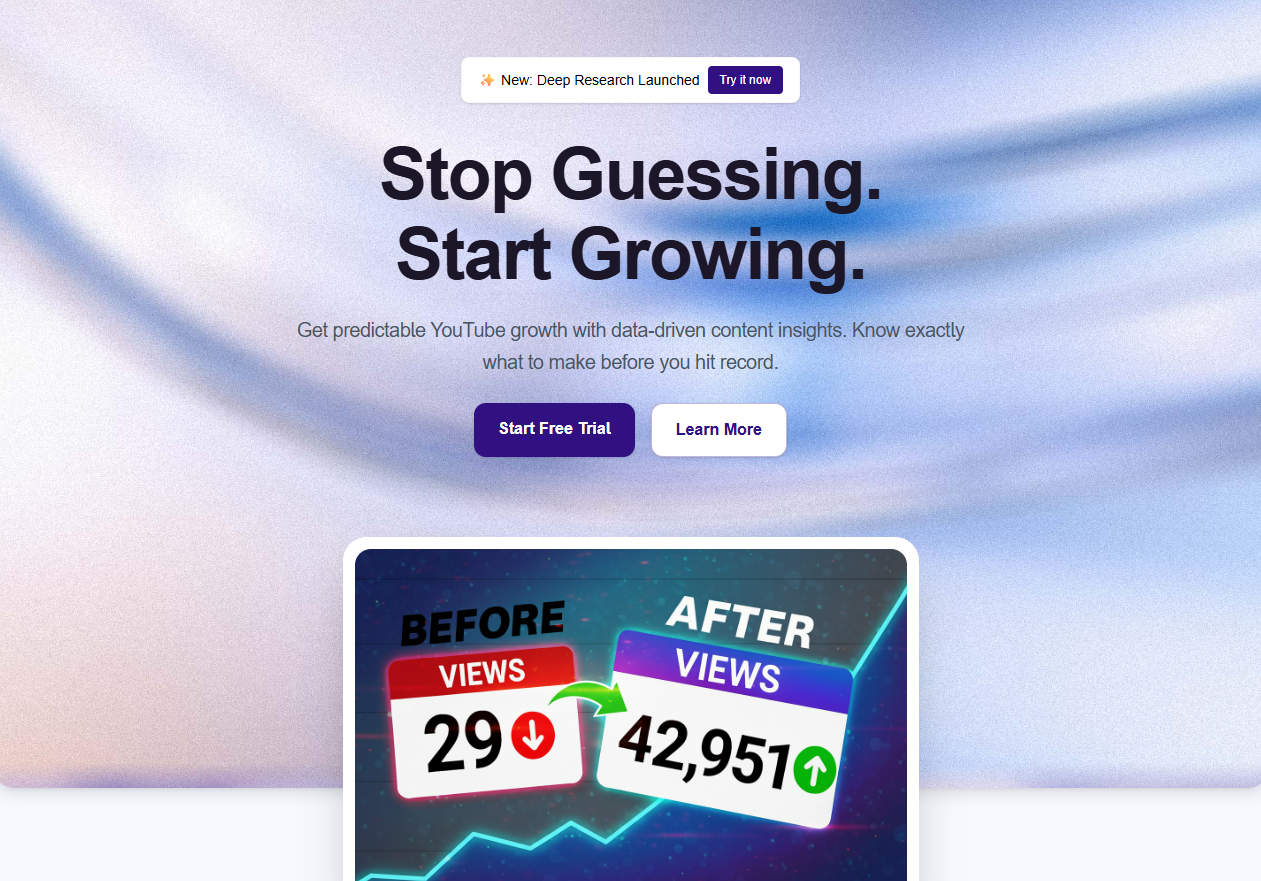
OutlierKit is the only audit tool built specifically around the question: 'Why are some of my competitor's videos getting 10x more views than mine, and how do I replicate that?' Its outlier detection engine finds videos that dramatically outperform a channel's average — which is the single most actionable signal in a YouTube channel audit.
Audit-Specific Features
Competitor Channel Analysis
Enter any competitor's URL and get their subscriber growth rate, average views per video, upload frequency, and engagement rate — all in one report.
Content Gap Discovery
OutlierKit identifies high-performing topics in your niche that you haven't covered yet. This is the most powerful audit insight most tools don't provide.
Outlier Detection
See which of your competitor's videos are dramatically outperforming their averages. These are the content signals worth studying and adapting.
Keyword Research
Find what your target audience is actively searching for. Integrates directly into your content gap analysis for a complete audit picture.
Historical Growth Tracking
View subscriber and view trends over time for any channel, giving you the trajectory data essential for a thorough audit.
Pros
- Only tool that surfaces content gaps (topics competitors win on that you're missing)
- Outlier score system identifies viral patterns systematically, not by guesswork
- Audits any public channel, not just your own — essential for competitor benchmarking
- Combines competitor analysis, keyword research, and outlier detection in one tool
- Free trial lets you run a full competitor audit before committing
Cons
- No SEO score or bulk video optimization feature (unlike TubeBuddy)
- Focused on YouTube, not multi-platform (if you need Instagram/TikTok analytics)
Free trial, then from $29/month
Creators who want to audit their content strategy and benchmark against competitors — not just check metadata.
vidIQ
Best for SEOBest for SEO Scoring & Optimization Checklists
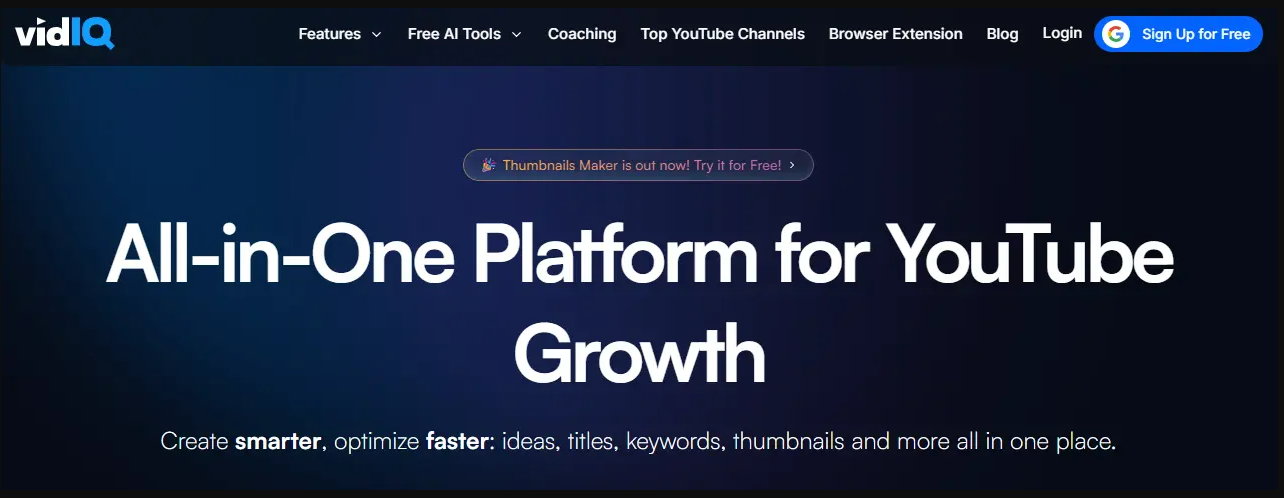
vidIQ's Channel Audit feature gives your channel an explicit health score and breaks down SEO gaps video by video. It's the most structured SEO audit tool in the market, and its browser extension provides real-time optimization guidance as you upload. If your audit goal is fixing metadata and improving search rankings, vidIQ is your tool.
Audit-Specific Features
Channel Health Score
Grades your channel on SEO, consistency, engagement, and monetization. Gives a single score you can track over time.
Video SEO Score
Every video gets an SEO score. vidIQ identifies missing elements: no description, weak tags, no end screens, unclaimed captions.
Keyword Rankings
Shows which keywords your channel ranks for and suggests related terms you're not targeting. Essential for the SEO audit step.
Top & Underperforming Content
Surfaces your best and worst videos by engagement, CTR, and views — the same data you need for the content performance audit step.
Competitor Comparison
Basic side-by-side metrics against competitors. Less deep than OutlierKit's content gap analysis but sufficient for surface benchmarking.
Pros
- Channel Health Score makes audit progress immediately visible and trackable
- Browser extension provides real-time SEO guidance during upload
- Strong keyword research tool integrated into the audit workflow
- Large community with extensive YouTube tutorials on how to use audit features
- Free tier is functional enough for a basic SEO audit
Cons
- Free tier is significantly limited — most audit features require a paid plan
- Competitor analysis is more surface-level than OutlierKit's content gap approach
- Can feel overwhelming for new creators with too many scores and metrics
Free (limited), from $7.50/month for Basic
Creators focused on fixing SEO issues across existing videos and improving search discoverability.
TubeBuddy
Best for Bulk AuditsBest for Bulk SEO Auditing Across Large Video Libraries
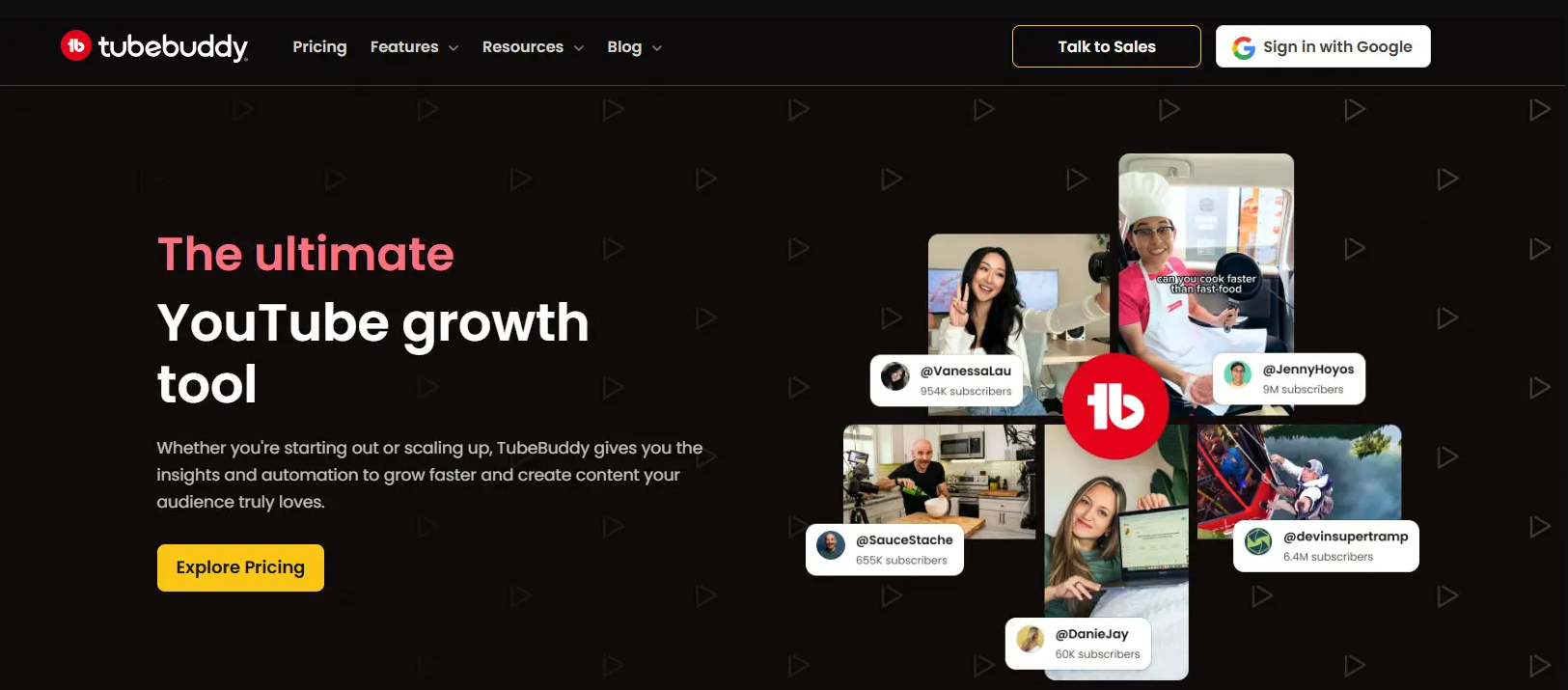
TubeBuddy's strength is its ability to audit and optimize across your entire video library in bulk — not just one video at a time. If you have 100+ videos that need SEO updates, TubeBuddy's bulk processing tools can compress weeks of work into hours. Its SEO Studio walks you through optimization checklists step by step.
Audit-Specific Features
SEO Score (per video)
Grades every video's metadata quality. The score updates in real-time as you make changes, giving immediate feedback on improvements.
Bulk Copy & Update Tools
Update cards, end screens, descriptions, and tags across hundreds of videos simultaneously — impossible to do manually in YouTube Studio.
A/B Testing
Test two thumbnail or title variations and let TubeBuddy automatically serve the winner based on CTR data. Unique feature not available in other audit tools.
Channelytics
High-level channel performance report comparing your metrics against channel averages and YouTube benchmarks.
Tag Explorer
Research which tags competitors are using and identify keyword opportunities your current videos are missing.
Pros
- Only tool with native A/B testing for titles and thumbnails — critical for CTR optimization
- Bulk update tools save enormous time for channels with large video libraries
- SEO Studio provides structured, step-by-step optimization guidance
- Browser extension integrates directly into YouTube Studio interface
- One of the most affordable paid options at $4.50/month
Cons
- Free tier is very limited (most audit features locked behind Pro plan)
- Interface can feel cluttered with features you won't use during an audit
- Less powerful for competitor content gap analysis than OutlierKit
Free (limited), from $4.50/month for Pro
Channels with 50+ videos needing bulk SEO optimization and creators who want to systematically A/B test thumbnails and titles.
UTubeKit
Best Free SEO ToolBest Completely Free Platform for YouTube SEO Optimization
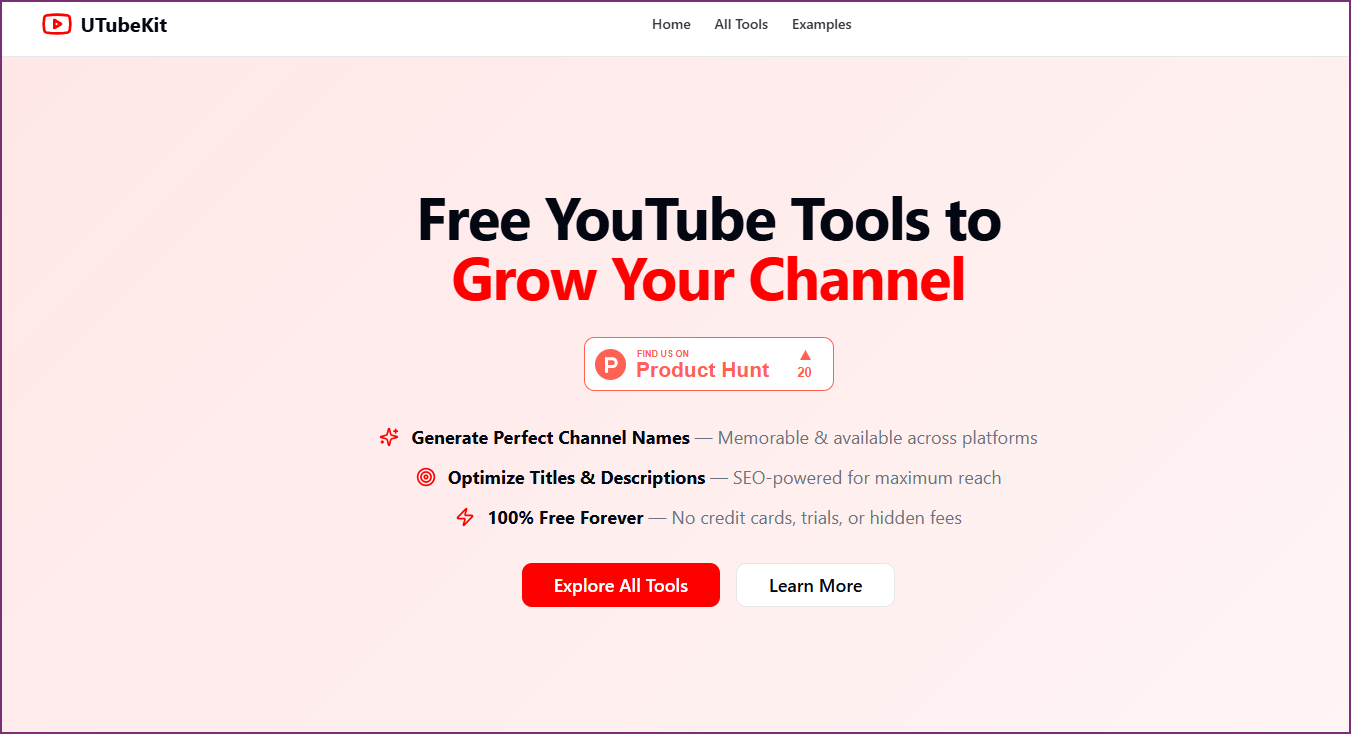
UTubeKit is a 100% free YouTube SEO platform with 12+ AI-powered tools — no paywall, no trial limits, no credit card. It covers the entire SEO metadata optimization step of a channel audit: title scoring, tag and hashtag generation, description writing, keyword research, and thumbnail text optimization. For creators who need powerful SEO tools without a subscription, UTubeKit is the definitive answer.
Audit-Specific Features
Tag & Hashtag Generator
Creates 15+ strategic tags organized by competition tier (broad, medium, niche-specific). Generates properly formatted hashtags optimized for discoverability — essential for the SEO audit step.
Title Generator & Scorer
AI generates SEO-optimized titles with CTR optimization. The Title Scorer grades your existing titles across four dimensions before you publish — a pre-publish audit built in.
Description Generator
Produces 250+ word keyword-rich descriptions with structured formatting. Covers the description optimization item in your audit checklist in under 60 seconds.
AI Keyword Generator
Discovers high-volume, low-competition keywords with search volume signals and long-tail suggestions. Use this for the keyword research section of your audit.
Thumbnail Text Optimizer
Generates attention-grabbing thumbnail copy variations. A/B test before design to maximize click-through rate on low-CTR videos.
Monetization Checker
Tracks progress toward YouTube Partner Program eligibility (1,000 subscribers + 4,000 watch hours). Use in the technical health section of your audit.
Pros
- Completely free — unlimited usage, no payment required, ever
- 12+ AI tools covering the full SEO metadata optimization audit step
- Tag/hashtag generator organizes by competition tier — more actionable than generic tag tools
- Title Scorer grades your titles before publishing — acts as a pre-publish audit
- No account required for most tools — zero friction to start
Cons
- No competitor channel analysis or content gap discovery (use OutlierKit for that)
- No historical trend tracking or growth trajectory analysis
- SEO optimization only — doesn't cover content strategy, audience, or technical audit steps
- AI suggestions benefit from human review to match your specific niche tone
100% Free — unlimited usage, no subscription required
The SEO metadata step of your audit: titles, descriptions, tags, hashtags, and keyword research — all completely free with no limits.
YouTube Studio
Most EssentialBest for First-Party Data — The Foundation of Every Audit
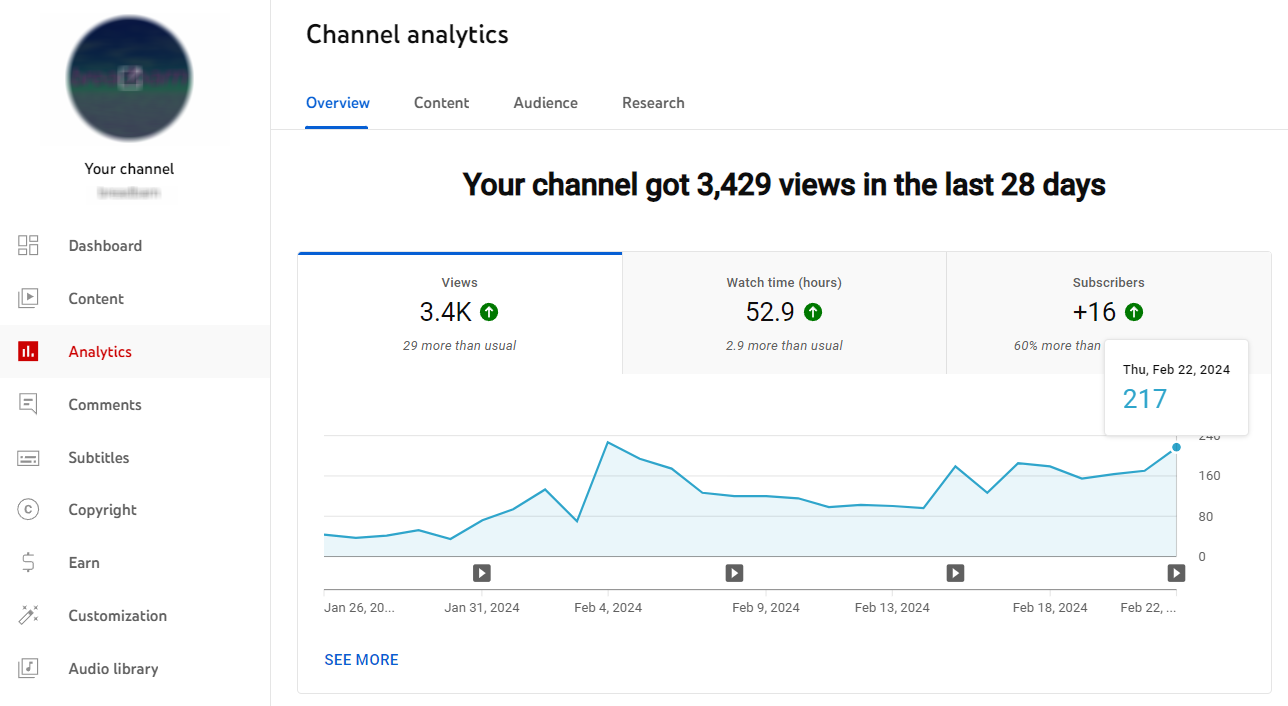
YouTube Studio is the non-negotiable foundation of every channel audit. It's the only source of truth for your channel's actual performance data — including data that no third-party tool can access: retention curves, exact traffic sources, revenue breakdown, and precise demographic data. Every other tool in this list supplements YouTube Studio; none of them replace it.
Audit-Specific Features
Analytics Dashboard
Overview, Reach, Engagement, Audience, and Revenue tabs contain the primary data for Steps 2–6 of a full channel audit.
Video-Level Retention Curves
The most diagnostic data in YouTube: see exactly where viewers drop off in each video. Third-party tools cannot access this.
Traffic Source Breakdown
Shows precisely what % of views came from Search, Suggested, Browse, External, and other sources — critical for growth trajectory analysis.
Audience Demographics
Age, gender, geography, and device data. Essential for confirming whether your content is reaching your target audience.
Revenue Analytics
RPM, CPM, and revenue by video, traffic source, and time period. Essential for monetized channel audits.
Pros
- Only source for first-party data: retention curves, exact traffic sources, precise revenue
- 100% free — always included with every YouTube channel
- Updated daily with accurate, platform-provided data (no estimates)
- Export feature allows you to pull data into spreadsheets for deeper analysis
Cons
- Cannot benchmark against other channels (you can only see your own data)
- No keyword research or content gap discovery
- No audit checklists, health scores, or optimization recommendations
- Interface requires manual work to synthesize insights — no automated diagnosis
Free — included with every YouTube channel
First-party data gathering for all 7 steps of a channel audit. Always use YouTube Studio as your primary data source, then supplement with OutlierKit for competitor benchmarking.
TubePilot
AI AutomationBest for AI-Powered Upload Scheduling & Workflow Automation
TubePilot is a YouTube automation tool that helps creators schedule, optimize, and automate their upload workflow. It uses AI to suggest optimal posting times based on audience activity and automates repetitive tasks like metadata templating and cross-platform publishing.
Audit-Specific Features
AI Scheduling Optimizer
Uses AI to analyze audience activity patterns and suggest the best times to publish for maximum reach and engagement.
Metadata Templates
Create reusable metadata templates for titles, descriptions, and tags to ensure consistency across all uploads.
Cross-Platform Publish Automation
Automate publishing to multiple platforms simultaneously, saving time on manual cross-posting workflows.
Analytics Dashboard
Track upload performance, scheduling effectiveness, and workflow efficiency from a centralized dashboard.
Batch Upload Management
Upload and schedule multiple videos at once with pre-configured metadata, reducing repetitive manual work.
Pros
- AI-driven optimal publish times help maximize video reach
- Batch upload saves hours for creators with high upload frequency
- Metadata templates ensure consistency across all videos
- Cross-platform posting eliminates manual republishing work
Cons
- Limited competitor analysis features
- No content gap or outlier detection capabilities
Free tier, then from $12/month
Creators who want to automate their publishing workflow and optimize upload timing.
LenosTube
Promotion & GrowthBest for YouTube Video Promotion & Audience Growth
LenosTube is a promotion-focused platform that helps creators grow their channels through organic promotion services, watch-time campaigns, and audience targeting. It is useful during an audit to benchmark promotion strategies and identify growth levers beyond organic search.
Audit-Specific Features
Organic Video Promotion
Promote videos to real audiences through targeted campaigns designed to drive genuine views and engagement.
Watch-Time Campaign Management
Run campaigns focused on increasing watch time — a critical metric for YouTube algorithm ranking and monetization eligibility.
Audience Targeting
Target specific demographics and interest groups to ensure promotion reaches viewers most likely to engage with your content.
Growth Analytics Dashboard
Track promotion campaign performance, audience growth metrics, and ROI from a centralized analytics view.
Engagement Boost Tools
Tools designed to increase likes, comments, and shares through organic promotion strategies.
Pros
- Drives real views and watch time through organic promotion
- Useful for boosting new channel launches and underperforming videos
- Audience targeting by niche ensures relevant viewer reach
- Transparent analytics for tracking campaign effectiveness
Cons
- Not a traditional audit tool — more promotional in nature
- Requires budget for promotion campaigns
Pay-per-campaign (from $10)
Creators looking to supplement organic growth with targeted promotion during or after an audit.
How to Choose the Right Audit Tool
If...
You want the most comprehensive audit: content strategy + SEO + competitor benchmarking
Use:
OutlierKit + YouTube Studio
The only combination that covers content gaps, competitor benchmarking, keyword research, and first-party data in one complete audit workflow.
If...
You need free tools only (zero budget)
Use:
UTubeKit + Social Blade + YouTube Studio
UTubeKit covers all SEO metadata optimization. Social Blade covers competitor historical tracking. YouTube Studio covers all first-party analytics. Zero cost.
If...
Your primary goal is fixing SEO metadata across existing videos
Use:
vidIQ or UTubeKit
vidIQ for paid SEO scoring + checklists; UTubeKit for free unlimited tag, hashtag, title, and description generation. Both are powerful SEO audit tools.
If...
You manage a channel with 100+ videos needing bulk updates
Use:
TubeBuddy
Bulk copy and update tools make it the only viable option for large video library audits without spending weeks on manual updates.
If...
You want to optimize hashtags and tags completely free
Use:
UTubeKit
UTubeKit's Tag & Hashtag Generator creates 15+ strategic tags organized by competition tier — the most actionable free hashtag tool available, with unlimited usage.
Free vs. Paid: What You Actually Get
What Free Tools Cover Well
- ✓First-party channel analytics (YouTube Studio)
- ✓Historical subscriber/view counts for any channel (Social Blade)
- ✓Tag & hashtag generation — unlimited (UTubeKit)
- ✓Title scoring & description generation (UTubeKit)
- ✓AI keyword research (UTubeKit)
- ✓Surface-level competitive snapshots
What You Need Paid Tools For
- →Content gap analysis (topics competitors win that you're missing)
- →Outlier detection (identifying viral pattern opportunities)
- →Deep competitor benchmarking and growth trajectory data
- →Bulk video SEO optimization across large video libraries
- →A/B testing for thumbnails and titles
- →Channel health scores and automated audit checklists
Frequently Asked Questions
Free Tools & Accuracy
Are free YouTube channel audit tools accurate?
Free tools like YouTube Studio (for your own channel data) and Social Blade (for competitor tracking) are accurate for what they measure. UTubeKit is a fully free platform with 12+ AI-powered SEO tools including hashtag generators, title scorers, and keyword research — genuinely useful for the SEO step of an audit at zero cost. For content gap analysis, outlier detection, and deep competitor benchmarking, OutlierKit's paid plans provide capabilities no free tool matches.
Can I audit someone else's channel with these tools?
Yes, for public channels. OutlierKit and Social Blade can analyze any public YouTube channel. You won't have access to their internal YouTube Studio data (retention curves, traffic sources, revenue), but you can see subscriber trends, estimated views, upload patterns, and top-performing content.
Usage & UTubeKit
How often should I use an audit tool?
Run a full channel audit quarterly (every 90 days). Use your audit tool more frequently for specific tasks: keyword research before new videos, competitor monitoring weekly or monthly, and SEO score checks after major metadata updates.
What's the best free alternative for YouTube SEO optimization during an audit?
UTubeKit (utubekit.com) is the best fully free alternative for the SEO optimization step. It offers unlimited access to a Tag & Hashtag Generator, Title Scorer, Description Generator, and AI Keyword Generator — all the metadata tools you need to optimize videos during an audit without paying a subscription.
Choosing the Right Stack
Do I need multiple tools or is one enough?
The minimum setup is YouTube Studio (free, essential for first-party data) plus one third-party tool. OutlierKit covers competitor benchmarking, content gap analysis, and keyword research in one place. Add UTubeKit for free unlimited SEO metadata optimization (hashtags, titles, descriptions) and Social Blade for free historical competitor tracking.
Watch: OutlierKit Competitor Analysis in Action
Official Resources

Related Audit Resources
Ready to grow your YouTube channel?
OutlierKit helps you find winning content strategies with competitor analysis and keyword research.
Try OutlierKit Free
Social Blade
Best Free SnapshotBest Free Quick Channel Stats & Historical Tracking
Social Blade is the internet's public record for YouTube channel data. It tracks subscriber counts, estimated views, and estimated earnings for any public channel — giving you a free historical baseline for competitor auditing. It won't replace a paid audit tool, but it's the best free starting point for the competitor benchmarking section of your audit.
Audit-Specific Features
Historical Subscriber Tracking
View monthly and daily subscriber counts going back years. Essential for spotting when a competitor started growing and what triggered it.
Grade System (A+ to F)
Gives any channel a simple letter grade based on recent growth. A quick way to triage channels before deeper analysis.
Estimated Earnings Range
Shows estimated monthly earnings based on views and assumed CPM. Useful for understanding which niches are actually lucrative.
Upload Frequency Tracking
See how often a channel has uploaded historically — frequency changes often coincide with subscriber growth inflections.
Comparison Tool
Side-by-side comparison of any two channels for quick competitive benchmarking.
Pros
Cons
Free (with optional premium plan for more data)
Quick competitive snapshots and historical trend research as part of the competitor benchmarking section of your audit.