YouTube Growth Workflows That Actually Work
OutlierKit is a YouTube research and planning tool built for experts, consultants and coaches who teach on YouTube. It finds keywords, analyzes competitors and surfaces viral video patterns. These step-by-step workflows show exactly how to combine OutlierKit with ChatGPT, UTubeKit, Canva, and more. Research smarter, optimize faster, and grow your YouTube channel on evidence.
Works with the tools you already use
5
OutlierKit Tools
20+
Partner Tool Integrations
13
Step-by-Step Workflows
5
Niche Playbooks
TL;DR
See exactly how to use OutlierKit with ChatGPT, Canva, and other tools in real YouTube workflows. Step-by-step guides for keyword research, competitor analysis, scripting, and more. OutlierKit starts with a free trial of 30 credits, no card.

OutlierKit Keyword Research · the starting point for every workflow
The Difference Data Makes
See how OutlierKit workflows replace guesswork with data-driven decisions at every stage.
Without OutlierKit
- Guess topics based on gut feeling
- Pick keywords with no outlier data behind them
- Write titles manually and hope they work
- No idea what competitors are doing
- Skip SEO because tools are too expensive
With OutlierKit + Tools
- Pick topics backed by search data and outlier patterns
- Outlier and keyword research on a 30-credit trial, plus free SEO tools
- 16 titles ranked against real breakout videos near your topic
- Competitor strategies analyzed and gaps identified
- Full SEO in 15 min with free UTubeKit tools
3x
Faster research
$0/mo
SEO tool cost
+85%
CTR improvement
15 min
Per video SEO
Research & Ideation
Find winning topics before you create

AI-Powered Video Ideation Pipeline
Discover viral patterns in your niche, then generate 30 data-backed video ideas in 10 minutes using AI.
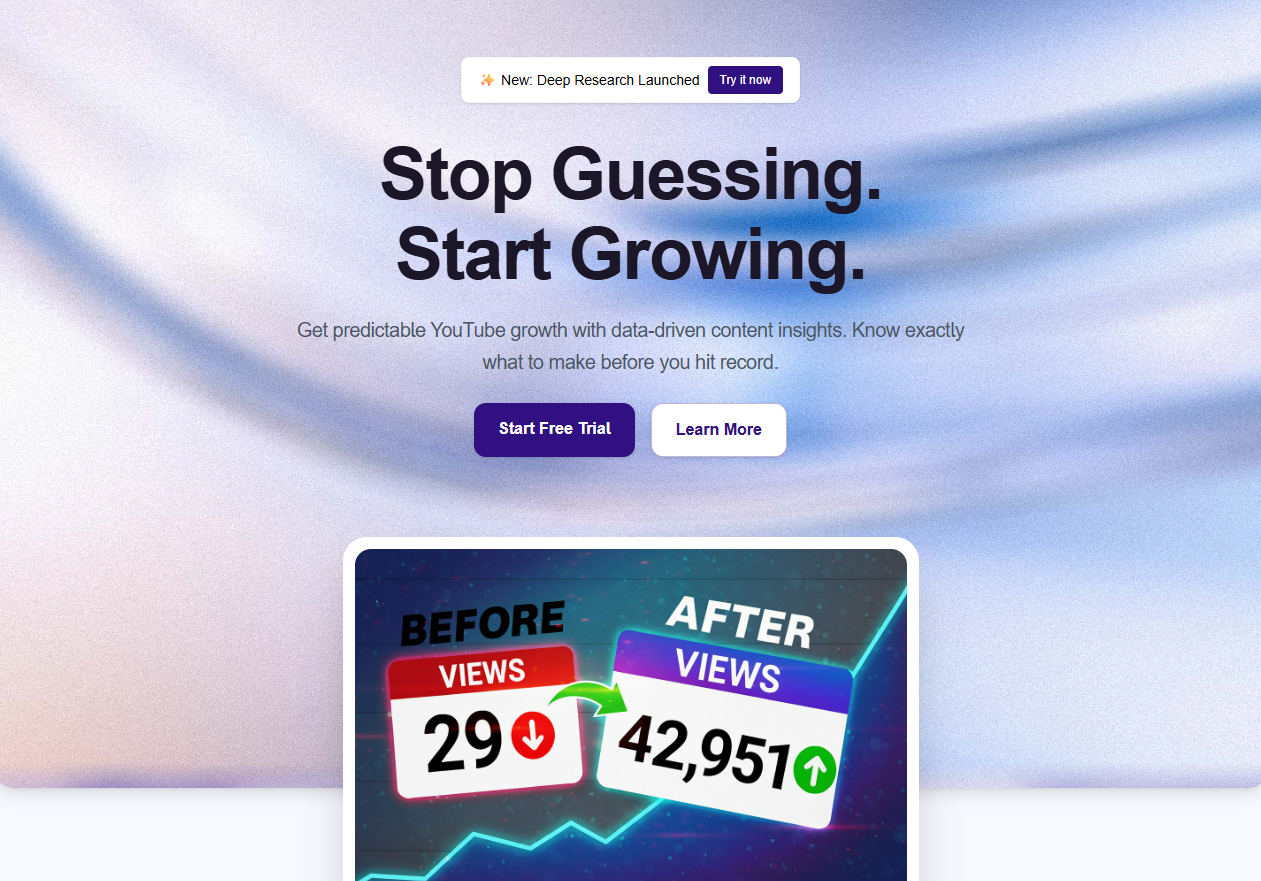


Data-Backed Content Calendar
Plan a full month of content backed by real search data and competitor gaps, all in 2 hours.
SEO & Optimization
Rank higher and get more clicks
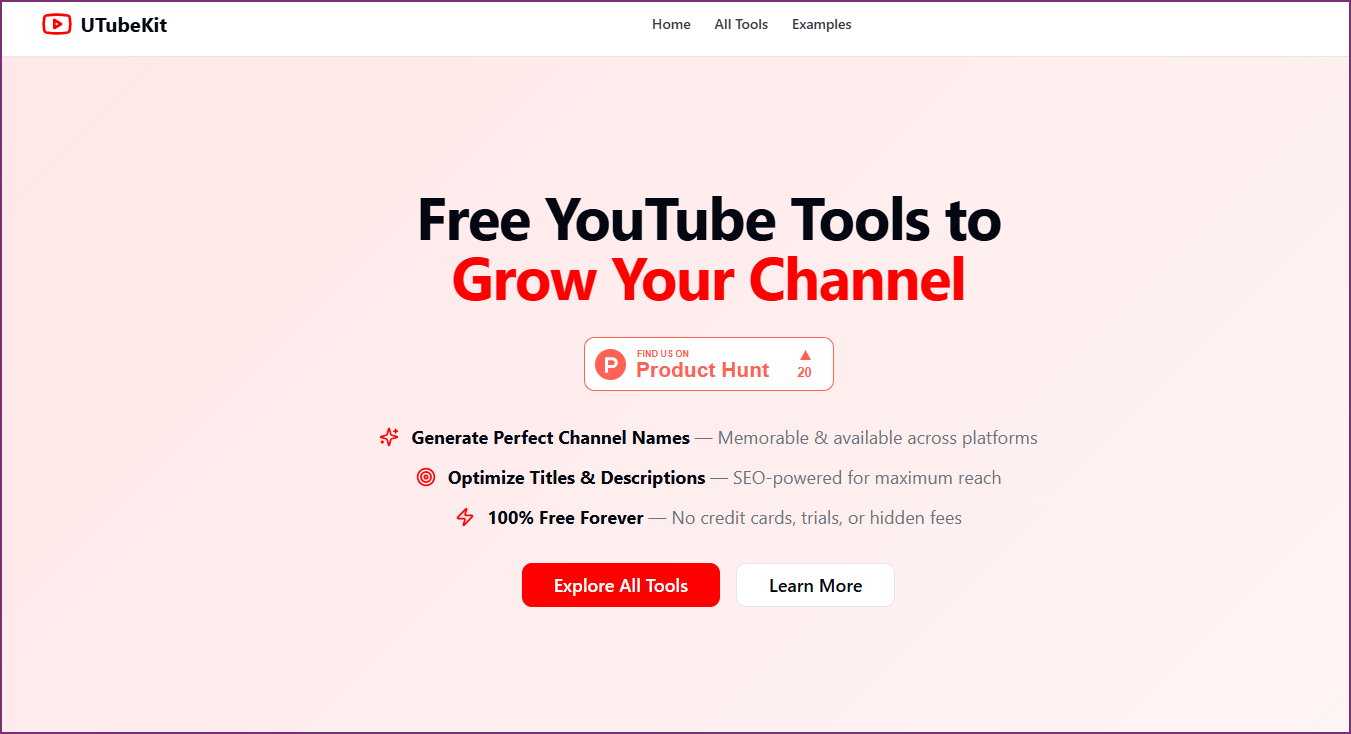
Free YouTube SEO Workflow
Complete SEO optimization using only free tools. No VidIQ or TubeBuddy subscription needed.

Title & Thumbnail Optimization
Reverse-engineer what makes top videos click-worthy, then build thumbnails and titles that compete.

Production
Script, edit, and repurpose smarter

AI Script Writing for YouTube
Write scripts that match what viewers actually search for, not just topics you think are interesting.

Multi-Platform Content Repurposing
Turn one YouTube video into 10 pieces of content across Shorts, TikTok, Reels, and LinkedIn.
Faceless YouTube Video Generation
Complete guide to creating faceless YouTube videos with AI. Go from script to upload, no camera needed.


Growth & Monetization
Scale your channel and revenue

Reverse-Engineering Competitor Growth
Find exactly which videos drove a competitor's growth, then adapt their winning strategy for your channel.


Scaling from 1K to 100K Subscribers
A 3-phase growth system: Foundation → Momentum → Scale. Using OutlierKit at every stage.
End-to-End Niche Playbooks
Complete A-to-Z guides for building an AI-powered YouTube channel in a specific niche

AI Video Making for Finance Niche
Build a faceless finance YouTube channel from scratch using AI. Full playbook from research to upload.

AI Video Making for Affiliate Marketing
Build an AI-powered affiliate review channel that earns commissions with every upload.
AI Video Making for Sleep & Relaxation
Create a faceless sleep channel with AI-generated music, ambient visuals, and soothing narration.
AI Video Making for Education
Create an AI-powered educational channel. Be the next 3Blue1Brown without showing your face.

AI Video Making for Cooking & Recipes
Build a recipe compilation channel with AI narration and trending food content.
How These Workflows Work
Every use case follows the same proven pattern
Research with OutlierKit
Use OutlierKit's 5 research tools to find keywords, analyze competitors, discover outlier videos, and understand what's actually working in your niche. Data replaces guesswork.
Create with Your Favorite Tools
Feed OutlierKit insights into ChatGPT, Gemini, or Claude for scripts. Use UTubeKit for free SEO optimization. Create videos with InVideo AI or Canva. Pick the tools you already know.
Grow Predictably
Every video is backed by data. No more guessing what will work. Each topic comes from proven patterns in your niche. Track outlier videos to double down on what's working.

Frequently Asked Questions
- What is OutlierKit?
- OutlierKit is a YouTube research and planning tool built for experts, consultants and coaches who teach on YouTube, and for the agencies that run their channels. It finds high-opportunity keywords, analyzes competitors and surfaces outlier videos. Then it writes titles, the description and hashtags, and chapters, and reviews your script draft. The free trial has 30 credits and needs no card.
- What tools does OutlierKit integrate with?
- OutlierKit workflows integrate with ChatGPT, Gemini, Claude, UTubeKit, Canva, InVideo AI, ElevenLabs, Synthesia, Notion, Google Sheets, YouTube Studio, and more. You can use any combination of tools you already know. On Pro and Max, an MCP connector lets Claude run OutlierKit research directly.
- Do I need paid tools to use these YouTube workflows?
- No. OutlierKit offers a free trial with 30 credits for research, and UTubeKit provides free SEO optimization. Several workflows require zero paid subscriptions. The Free YouTube SEO Workflow is one example.
- How many workflow guides are available?
- There are 13 step-by-step workflow guides across five categories. Those are Research & Ideation, SEO & Optimization, Production, Growth & Monetization, and Niche Playbooks for building AI-powered YouTube channels.
- Can I build a faceless YouTube channel with these workflows?
- Yes. The Niche Playbooks section includes complete A-to-Z guides. They cover faceless AI-powered YouTube channels in finance, affiliate marketing, education, sleep & relaxation, and cooking niches.
Ready to build your YouTube workflow?
Start with OutlierKit's free trial, 30 credits with no card. Research your niche, find outliers, and build data-backed content strategies.
Try OutlierKit Free