NexLev vs TubeBuddy: Complete Comparison (2026)
NexLev finds you a profitable faceless niche to launch. TubeBuddy optimizes the channel once it exists. They're different jobs. Pick by which problem you have right now.
NexLev and TubeBuddy both call themselves YouTube tools. But they sit at opposite ends of the workflow. NexLev is a discovery engine for faceless niches. It ranks whole niches by how much they can earn. TubeBuddy is a veteran browser extension for the channel you already run. It handles channel management and SEO. The niche sets the odds too. In our trending niches report, 16.7 percent of personal finance videos beat their own channel by 10x or more, and only 3.1 percent of faceless automation videos did.

A tour of research tools worth using in 2026. Useful context before you pick between NexLev and TubeBuddy.
TL;DR
Choose NexLev if your bottleneck is picking a profitable faceless niche. Its Niche Finder scans 98M+ channels with RPM scoring (Lite ~$13/mo; Niche Finder ~$510 one-time). Already have a channel? Choose TubeBuddy for keyword research, SEO, A/B testing, and bulk management. It has a free plan. Paid tiers start at $12/mo billed annually. Best value for most: use NexLev once to pick the niche. Then use TubeBuddy to optimize it. For both jobs in one tool, see OutlierKit.
Who is each tool best for?
First-time faceless creators
Pick NexLev. The Niche Finder, RPM predictor, and bundled faceless course help you pick a niche that pays. Do that before you commit months to it.
Active channel owners
Pick TubeBuddy. Keyword Explorer, SEO Studio, A/B testing, and bulk tools improve each upload.
Multi-channel / portfolio operators
Lead with NexLev. Niche-level discovery scales better when you spin up several faceless channels. Then layer TubeBuddy on each one to optimize.
Budget-first starters
Pick TubeBuddy. It has a permanent free plan, which makes it the cheapest way to begin. Pro costs $12/mo billed annually when you outgrow it.
How do you choose between NexLev and TubeBuddy?
Do you already have a channel, or are you starting from scratch?
No channel yet → NexLev to pick a niche first. Already publishing → TubeBuddy to optimize what you run.
Is your real question "what pays?" or "how do I rank?"
Monetization and RPM → NexLev. Keyword research and on-video SEO → TubeBuddy.
Do you need to split-test live thumbnails and titles?
Yes → TubeBuddy (its signature A/B testing, needs ~1,000+ subs). NexLev doesn't run live split tests.
Do you want the lowest upfront cost?
Yes → TubeBuddy (free plan; Pro $12/mo billed annually). Prefer a one-time buy over a subscription → NexLev's ~$510 Niche Finder.
Want both jobs without running two tools?
See OutlierKit vs NexLev and OutlierKit vs TubeBuddy: one platform covering discovery plus optimization.
Transparency & accuracy notice
Features and pricing come from each product's website and reputable third-party sources as of July 11, 2026. TubeBuddy's exact tier prices vary a lot between sources. We show them as rough ranges. NexLev hides figures behind toggles. Verify current pricing directly before buying.
See also: NexLev review and TubeBuddy alternatives.
Niche selection vs channel optimization
NexLev answers "what faceless niche should I build?" with monetization scoring, RPM prediction, and niche saturation. TubeBuddy answers "how do I optimize this channel?" It offers keyword research, SEO, A/B testing, and bulk management. Most creators need one, then the other.
How do NexLev and TubeBuddy compare at a glance?
| Feature | NexLev | TubeBuddy |
|---|---|---|
| Best For | Faceless YouTube niche discovery & monetization research | Channel management & SEO optimization for existing channels |
| Pricing | Lite ~$13/mo; Niche Finder ~$510 one-time | Free; Pro $12/mo and Legend $27/mo, billed annually |
| Unique Feature | Niche Finder scanning 98M+ channels with RPM scoring | A/B testing for thumbnails & titles (needs ~1,000+ subs) |
| Learning Curve | Easy | Easy |
| User Rating | 4/5 157 ratings, Chrome Web Store | 4.5/5 ~8,500 ratings, Chrome Web Store |
What do NexLev and TubeBuddy each do?
NexLev
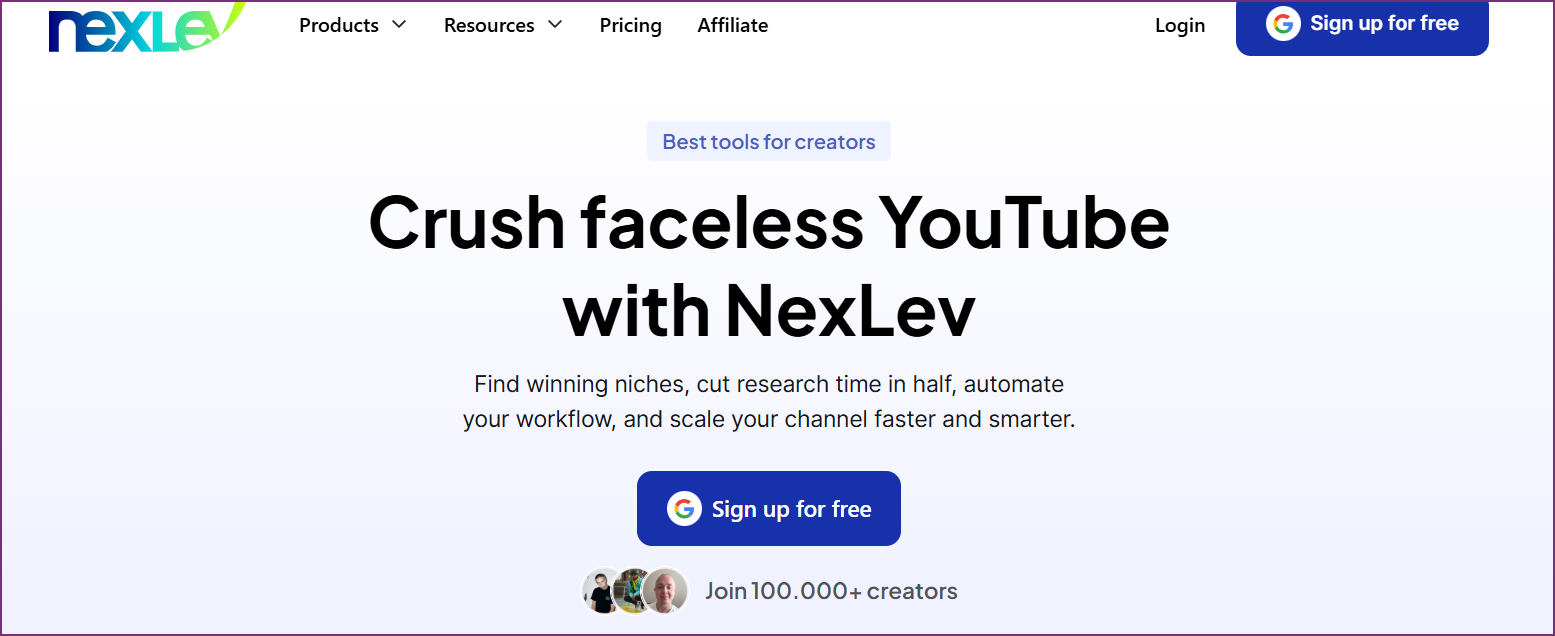
NexLev scans 98M+ YouTube channels. It ranks faceless niches by demand, rivals, and estimated RPM. It is built to answer "what should I build?" Visit NexLev →
TubeBuddy
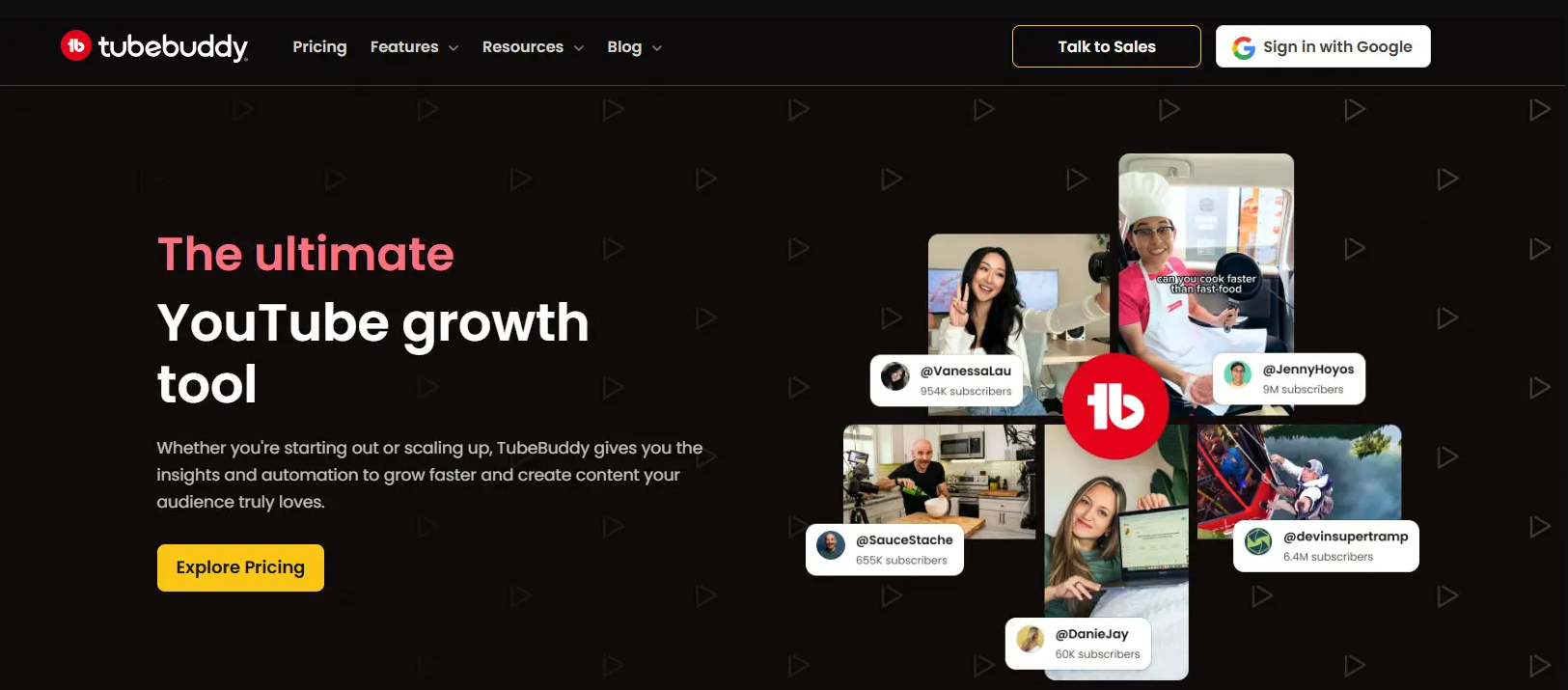
TubeBuddy sits on top of YouTube Studio itself. It adds keyword research, SEO tools, A/B thumbnail testing, and bulk processing. It is built to optimize an existing channel. Visit TubeBuddy →
Which problem are you trying to solve?
Most people comparing NexLev and TubeBuddy are stuck on one of two problems. Naming yours makes the choice obvious.
"I don't know what niche to start"
You want a faceless channel but don't know which niche actually pays. You're guessing at RPM, saturation, and demand. A wrong guess costs months. This is a NexLev problem.
"My uploads aren't optimized"
You already publish, but videos underperform. Weak titles. Missed keywords. Untested thumbnails. Messy tags across a big library. This is a TubeBuddy problem.
Which jobs does each tool cover?
NexLev concentrates on niche discovery and faceless monetization. TubeBuddy spreads across keyword and SEO work, A/B testing, and channel management.
How do NexLev and TubeBuddy compare feature by feature?
Niche Discovery & Monetization Scoring
NexLev winsThis is NexLev's core strength. The Niche Finder scans 98M+ channels with 21 filters and an AI RPM predictor. It surfaces high-demand, low-competition faceless niches before you commit.
TubeBuddy is built to optimize a channel you already run. It does not rank whole niches by earning power. It has keyword tools, but no faceless niche-discovery engine.
Verdict: NexLev wins decisively for niche-level monetization research.
Keyword Research & SEO
TubeBuddy winsNexLev includes keyword and competition signals inside its niche research. But it isn't a dedicated SEO suite.
TubeBuddy's Keyword Explorer shows search volume and competition. Add SEO Studio and tag suggestions. You get a mature, proven toolkit for daily uploads.
Verdict: TubeBuddy wins for day-to-day keyword research and on-video SEO.
A/B Thumbnail & Title Testing
TubeBuddy winsNexLev doesn't run live split tests on your published videos. It's a pre-launch research tool, not an on-channel testing platform.
TubeBuddy's A/B testing for thumbnails and titles is its signature feature. It lets you split-test live videos (requires roughly 1,000+ subscribers).
Verdict: TubeBuddy wins. A/B testing is a thing only it does here.
Faceless Channel Research
NexLev winsNexLev is built to help faceless channels earn. It covers niche saturation, RPM estimates, and a bundled faceless course.
TubeBuddy works for any channel type, including faceless. But it isn't built to find faceless niches that pay.
Verdict: NexLev wins for creators specifically launching faceless channels.
Channel Management & Bulk Tools
TubeBuddy winsNexLev focuses on research and selection. It isn't built to manage an existing channel's library day to day.
TubeBuddy bulk-edits tags, cards, end-screens, and descriptions (Legend tier) right inside YouTube Studio. It is purpose-built for ongoing channel management.
Verdict: TubeBuddy wins for managing and maintaining a live channel at scale.
Pricing & Value
TubeBuddy winsNexLev's Lite plan is affordable (~$13/mo). But the full Niche Finder sits behind a higher tier or a ~$510 one-time purchase.
TubeBuddy has a free plan plus a Pro tier at $12/mo billed annually, per TubeBuddy's own figures.
Verdict: TubeBuddy wins on entry cost thanks to its permanent free plan. On paid plans, NexLev Lite (~$9/mo billed annually) costs less than TubeBuddy Pro ($12/mo billed annually).
Faceless Course & Community
NexLev winsNexLev bundles a faceless-creator course and community with the tools. That helps beginners decide what to build.
TubeBuddy ships help docs and tutorials. It isn't packaged around a faceless-channel course.
Verdict: NexLev wins for first-time faceless creators wanting guidance.
How much does NexLev cost compared with TubeBuddy?
NexLev Pricing
- ✓Chrome extension (35+ tools)
- ✓AI thumbnail generator
- ✓Channel tracker & analytics
- ✓~$9/mo billed annually (~$108/yr)
- ✓Niche Finder (98M+ channels)
- ✓AI RPM predictor
- ✓21 advanced filters
- ✓Bundle w/ faceless course ~$810
No free trial; 14-day money-back guarantee. See live NexLev pricing →
TubeBuddy Pricing
- ✓1 channel, limited features
- ✓Basic SEO suggestions
- ✓Browser extension overlay
- ✓No A/B testing
- ✓$144/yr paid up front
- ✓Keyword Explorer
- ✓SEO Studio & tag tools
- ✓1 channel
- ✓A/B thumbnail & title testing
- ✓Bulk processing
- ✓Retention analysis
- ✓$324/yr paid up front
Free plan available; 30-day money-back guarantee. Prices from TubeBuddy's own TubeBuddy vs vidIQ article, checked 28 Sep 2026.
What Users Say
NexLev
“The niche finder surfaces unsaturated niches users say they would never have found manually. The free monetization checker is a repeated favorite.”
“Bug reports are the loudest criticism: tabs randomly refreshing and features stuck loading. Reviewers also flag high-priced tiers with no free trial.”
TubeBuddy
“Keyword Explorer and the bulk tools save serious time, and the extension sits right inside YouTube Studio. Reviewers repeatedly call the SEO tools game-changers for search rankings.”
“The free tier is heavily paywalled, and the interface can overwhelm beginners. Reviewers also report recurring extension bugs and loading problems.”
Which Tool Should You Choose?
Choosing a profitable faceless niche to launch
NexLevNexLev's Niche Finder and RPM scoring are purpose-built for this. TubeBuddy optimizes a channel you already run, not the niche you should pick from scratch.
Optimizing titles, tags, and SEO on an existing channel
TubeBuddyTubeBuddy sets the standard here. Its Keyword Explorer, SEO Studio, and tag tips cover on-video SEO.
Split-testing thumbnails and titles on live videos
TubeBuddyA/B testing is TubeBuddy's signature feature (needs ~1,000+ subscribers). NexLev doesn't run live split tests.
Estimating revenue potential before building
NexLevNexLev's RPM tool and per-channel revenue estimates are its core strength.
Bulk-managing tags, cards, and end-screens across a library
TubeBuddyTubeBuddy's bulk tools (Legend tier) work inside YouTube Studio. They help you maintain a large, active channel.
Running multiple faceless channels as a portfolio
NexLevNiche-level discovery scales better when you're spinning up several faceless channels.
Looking for both jobs in one tool?
NexLev finds niches; TubeBuddy optimizes channels. Would you rather not run two subscriptions? OutlierKit combines outlier detection and competitor analysis with keyword research and audience psychographics. One platform. It also writes titles, descriptions with hashtags and chapters, and reviews your script before you record. Pro and Max add an MCP connector for Claude. See the head-to-heads:
Dig deeper
Frequently Asked Questions
Basics
What is the difference between NexLev and TubeBuddy?
NexLev is a faceless-YouTube niche-discovery tool. It scans 98M+ channels. It ranks niches by earning potential and RPM. TubeBuddy is a veteran browser extension. It sits on top of YouTube Studio and covers channel management and SEO. You get Keyword Explorer, tag and SEO tools, A/B thumbnail testing, and bulk tools. NexLev helps you decide what to build. TubeBuddy helps you optimize what you've already built.
Which tool is better, NexLev or TubeBuddy?
Neither is better across the board. They solve different problems at different stages. Pick NexLev if your bottleneck is finding a profitable faceless niche to launch. Pick TubeBuddy if you already run a channel. It gives you keyword research, SEO, A/B testing, and bulk management. Many creators use NexLev once to choose a niche. Then they use TubeBuddy to optimize it.
Is NexLev or TubeBuddy better for faceless YouTube channels?
NexLev is built for faceless channels. You get niche saturation checks, RPM estimates, and a bundled faceless course. TubeBuddy works for faceless channels too. But it isn't specialized for faceless monetization discovery. It shines once the channel exists and needs optimizing.
Pricing
How much do NexLev and TubeBuddy cost?
As of July 11, 2026, NexLev's Lite plan is about $13/mo (around $9/mo billed annually). The full Niche Finder needs a higher tier or a roughly $510 one-time purchase. The bundle with the faceless course is $810. TubeBuddy has a free plan. Pro costs $12/mo billed annually ($144/yr), and Legend costs $27/mo billed annually ($324/yr), per TubeBuddy's own figures. Verify both on their sites before buying.
Does NexLev or TubeBuddy have a free plan?
TubeBuddy has a permanent free plan (1 channel, limited features, no A/B testing). NexLev offers a free sign-up with limited access, but no free trial of paid features. Instead it has a 14-day money-back guarantee. TubeBuddy also offers a 30-day money-back guarantee.
Which is better value for money?
For an active creator, TubeBuddy makes it easier to start cheap. It has a free tier and a low-cost Pro plan. For someone researching a faceless niche to monetize, NexLev can be better value. Its one-time Niche Finder purchase beats paying an ongoing subscription. It depends on what you need. TubeBuddy suits ongoing SEO work. NexLev suits one-time niche picking. TubeBuddy publishes annual prices only ($144/yr for Pro), so check the checkout total if you want monthly billing.
Alternatives
Are there better alternatives to NexLev and TubeBuddy?
Want one platform for all of it? OutlierKit is built for experts, consultants and coaches who teach on YouTube. It combines outlier detection and competitor analysis. It adds keyword research and audience psychographics. You skip juggling a niche tool and an SEO/management extension. See our OutlierKit vs NexLev and OutlierKit vs TubeBuddy pages for the head-to-heads.
Can I use NexLev and TubeBuddy together?
Yes, and it's a common stack. Use NexLev to pick a monetizable faceless niche. Then use TubeBuddy day-to-day as you grow. It handles keyword research, SEO, A/B testing, and bulk channel management.
Sources and method
Features and prices come from each vendor's own site and from public review platforms, checked as of July 11, 2026. The verdicts weigh documented features, pricing terms and public reviews, not a paid test.
Plans change often, so confirm the current price on each vendor's pricing page before you buy. OutlierKit publishes this page and sells a research tool in the same space, so weigh the verdict with that in mind. Links to NexLev are affiliate links.
Sources
- NexLev plans page (affiliate link): plan names and features
- TubeBuddy vs vidIQ (TubeBuddy blog): Pro and Legend annual prices, checked 28 Sep 2026
- NexLev on the Chrome Web Store
- TubeBuddy on the Chrome Web Store
- OutlierKit's NexLev review: features, limits and ratings
- NexLev pricing breakdown: tier-by-tier prices and limits
- OutlierKit's TubeBuddy review: features, limits and ratings
- TubeBuddy pricing breakdown: tier-by-tier prices and limits
Want more than a point tool?
OutlierKit covers outlier detection and competitor analysis. It adds keyword research and audience psychographics. One platform.
Start Free Trial