VidIQ vs ViewStats: Complete Comparison (2026)
VidIQ optimizes and grows the channel you run. ViewStats analyzes performance and surfaces outliers and thumbnails. Different jobs. Pick by what you actually need.
VidIQ and ViewStats are both popular YouTube tools, but they sit on opposite sides of the workflow. VidIQ is an all-in-one SEO and growth suite for acting on your channel. ViewStats (co-founded by MrBeast) is an analytics tool for understanding performance, outliers, and thumbnails. Before you pay for either, see where your channel stands: our subscriber benchmarks by niche ranked 112,562 active channels, and the median has under 35K subscribers in every niche.

ViewStats-style analytics exist to read performance signals. This video covers a report most creators overlook.
TL;DR
Choose VidIQ for keyword research, SEO, and daily AI ideas (free plan; Boost $19/mo, Max $49/mo). Choose ViewStats for channel analytics, outlier tracking, and thumbnail research (free Basic tier; Pro $49.99/mo). They're complementary: VidIQ to act, ViewStats to analyze. For outlier detection plus keyword and competitor research in one tool, see OutlierKit.
Who is each tool best for?
SEO-focused creators & growing channels
VidIQ. Keyword research, an SEO scorecard, and daily AI ideas make it the pick when discoverability and a steady idea pipeline are the priority.
Researchers, strategists & faceless operators
ViewStats. The Outlier Score, deep analytics, and a searchable thumbnail database are built for studying what already works across channels.
Budget-conscious creators starting out
VidIQ. Both have free tiers, but VidIQ Boost ($19/mo) costs less than half of ViewStats Pro ($49.99/mo) for everyday optimization.
Agencies & multi-channel teams
ViewStats. The Business tier (from $249/mo) adds team access, multi-channel analytics, and agency-level reporting.
Transparency & accuracy notice
Features and pricing are based on publicly available information from each product's website and reputable third-party sources as of July 11, 2026. Verify current pricing directly before buying.
See also: VidIQ alternatives and ViewStats review.
Optimize vs analyze
VidIQ answers "how do I grow this channel?": keyword research, SEO, and AI ideas. ViewStats answers "what's working and why?": analytics, outlier scores, and thumbnail research. Most creators benefit from one of each.
How do vidIQ and ViewStats compare at a glance?
| Feature | VidIQ | ViewStats |
|---|---|---|
| Best For | All-in-one YouTube SEO, keyword research & daily ideas | Channel analytics, outlier tracking & thumbnail research |
| Pricing | Free; Boost $19/mo; Max $49/mo | Free; Pro $49.99/mo; Business from $249/mo |
| Unique Feature | AI Coach + daily AI video ideas backed by keyword data | Outlier Score + in-YouTube stats overlay (MrBeast-backed) |
| Learning Curve | Easy | Very Easy |
| User Rating | 4.5/5 11K ratings, Chrome Web Store | 4.5/5 236 ratings, Chrome Web Store |
What do vidIQ and ViewStats each do?
VidIQ
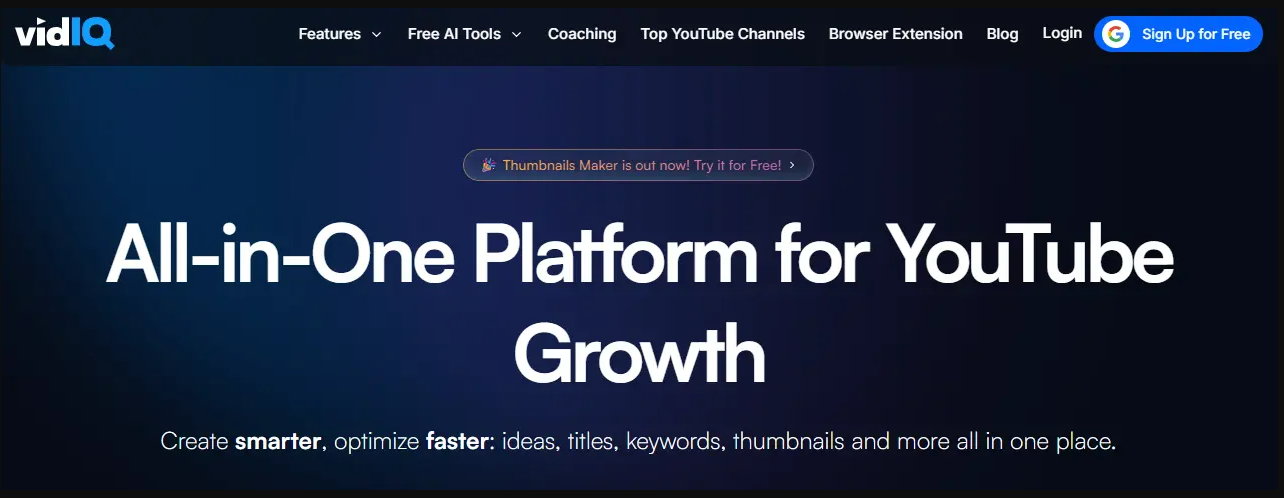
VidIQ layers keyword research, an SEO scorecard, daily AI ideas, and an AI Coach onto YouTube. It is built to grow an existing channel. Visit VidIQ →
ViewStats
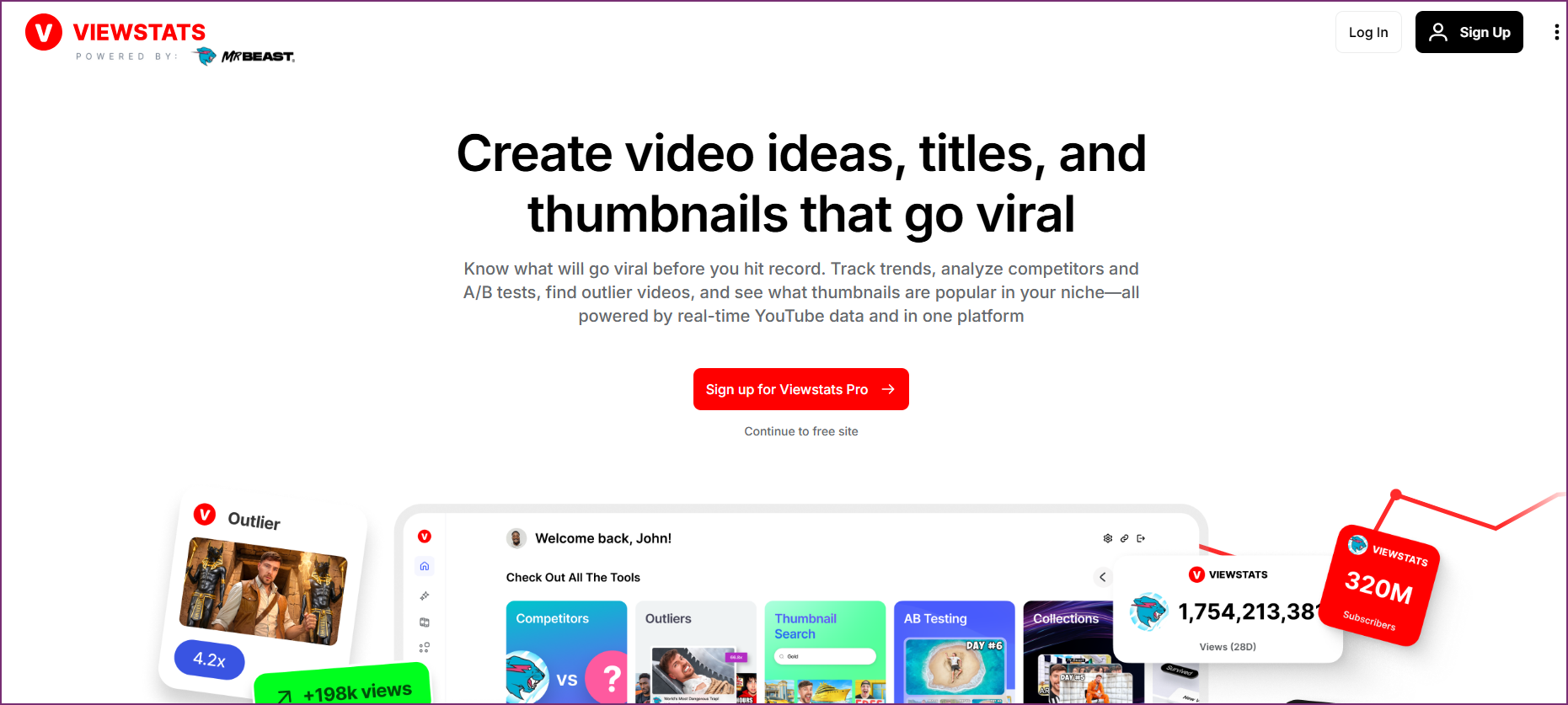
ViewStats (co-founded by MrBeast) surfaces channel stats, an Outlier Score, and a searchable thumbnail database. It is built to analyze performance. Visit ViewStats →
Which problem are you trying to solve?
Most people comparing VidIQ and ViewStats are stuck on one of two different problems. Naming yours makes the choice obvious.
"My videos aren't getting found"
Weak titles, missed keywords, no idea what to make next. You need optimization and ideas. This is a VidIQ problem.
"I can't tell what's actually working"
You want to see which videos are outliers, study winning thumbnails, and track performance over time. This is a ViewStats problem.
Which jobs does each tool cover?
VidIQ concentrates on keyword/SEO and AI ideas. ViewStats concentrates on analytics, outlier tracking, and thumbnail research.
How do vidIQ and ViewStats compare feature by feature?
Keyword Research & SEO
VidIQ winsVidIQ is a mature SEO platform: search volume, competition scores, an SEO scorecard overlaid on YouTube, and tag/description optimization.
ViewStats is an analytics tool, not an SEO suite. It doesn't do keyword research or on-video SEO scoring.
Verdict: VidIQ wins decisively for keyword research and SEO.
Channel Analytics & Stats
ViewStats winsVidIQ surfaces channel stats and competitor data, but analytics aren't its core focus.
ViewStats is purpose-built for analytics: subscriber/view tracking, estimated earnings, view-trajectory graphs, and thumbnail/title change history.
Verdict: ViewStats wins for channel analytics depth.
Outlier Detection
ViewStats winsVidIQ flags trending topics and competitor breakouts, but doesn't publish a dedicated per-video outlier score.
ViewStats' signature 'Outlier Score' surfaces videos outperforming a channel's baseline, with cross-niche outlier detection on Pro.
Verdict: ViewStats wins for outlier tracking.
AI Idea Generation
VidIQ winsVidIQ generates daily AI video ideas on every plan, including Free, plus an AI Coach that recommends next actions.
ViewStats focuses on data and thumbnails rather than generating video ideas for you.
Verdict: VidIQ wins for continuous idea generation.
Thumbnail Research
ViewStats winsVidIQ offers AI thumbnail generation on higher tiers.
ViewStats has a searchable thumbnail library, an A/B testing database, and AI thumbnail preview. It is strong for thumbnail research.
Verdict: ViewStats wins for thumbnail research and inspiration.
Pricing & Value
VidIQ winsVidIQ has a genuinely usable free plan. Boost costs $19/mo or $199/yr, and Max costs $49/mo or $468/yr.
ViewStats has a real free tier, but Pro jumps to $49.99/mo. That is more than double VidIQ Boost.
Verdict: VidIQ wins on entry pricing: Boost costs $19/mo against $49.99/mo for ViewStats Pro. At the top tier, VidIQ Max ($49/mo) and ViewStats Pro cost about the same.
Ease of Use
TieVidIQ's overlay is feature-dense. It is powerful but a lot on screen.
ViewStats' overlay is clean and read-only. There is very low friction for checking stats.
Verdict: Tie, leaning ViewStats for simplicity; VidIQ for depth.
How much does vidIQ cost compared with ViewStats?
VidIQ Pricing
- ✓150 AI credits/month
- ✓Daily content ideas
- ✓Basic keyword research
- ✓Chrome extension overlay
- ✓2,000 AI credits/month
- ✓AI thumbnails & deep AI Coach
- ✓50 AI video ideas/day
- ✓Instant channel audits
- ✓6,000 AI credits/month
- ✓"Max Mode" AI
- ✓Everything in Boost
- ✓$39/mo on annual billing
Free plan available. US prices. See live VidIQ pricing →
ViewStats Pricing
- ✓Channel stats & estimated earnings
- ✓Outlier Score (vs last 9 uploads)
- ✓Thumbnail/title change history
- ✓Chrome extension
- ✓Cross-niche outlier detection
- ✓Thumbnail search + A/B database
- ✓AI thumbnail preview
- ✓~$39.99/mo billed annually
- ✓Team / multi-channel
- ✓Agency-level analytics
- ✓Unlimited credits
- ✓Priority data access
Free Basic tier available. See live ViewStats pricing →
What Users Say
VidIQ
“Keyword research and title/tag suggestions get credited with real ranking gains, and customer support is repeatedly singled out as fast and genuinely helpful.”
“Billing and auto-renewal friction is the loudest complaint, along with an AI credit system that burns credits unexpectedly and a restricted free plan.”
ViewStats
“The analytics are genuinely useful for seeing where a channel stands and projecting growth, and the interface is clean and simple.”
“Most meaningful tools sit behind the Pro paywall, and reviewers report lag, login failures, and a thumbnail-skewing bug on YouTube.”
Which Tool Should You Choose?
Optimizing titles, tags, and SEO on your videos
VidIQVidIQ's keyword research and SEO scorecard are the category standard; ViewStats doesn't do SEO.
Tracking which videos are outliers in a niche
ViewStatsThe Outlier Score is ViewStats' signature feature; VidIQ has no dedicated per-video outlier score.
Getting a steady stream of video ideas
VidIQDaily AI ideas plus the AI Coach keep an active channel fed with topics.
Researching high-performing thumbnails
ViewStatsViewStats' searchable thumbnail library and A/B database are built for this.
Auditing your channel and fixing weak spots
VidIQInstant channel audits and the AI Coach point you at what to fix.
Checking a channel's stats and estimated earnings fast
ViewStatsViewStats' clean overlay makes quick stat lookups frictionless.
Want optimization and outlier research in one tool?
VidIQ optimizes; ViewStats analyzes. If you'd rather not run two tools, OutlierKit combines outlier detection, competitor analysis, keyword research, and audience psychographics in one platform. Its MCP connector on Pro and Max lets Claude pull the same data:
Dig deeper
How do you choose between vidIQ and ViewStats?
Answer these questions in order. The first "yes" usually settles it.
Do you mainly need keyword research and on-video SEO?
Yes → VidIQ. It's the only one of the two with an SEO scorecard and keyword data; ViewStats doesn't do SEO.
Is your priority spotting outliers and studying winning thumbnails?
Yes → ViewStats. The Outlier Score and thumbnail database are its signature strengths.
Do you want a steady stream of video ideas without doing the research yourself?
Yes → VidIQ. Daily AI ideas and the AI Coach keep an active channel fed.
Are you keeping monthly cost as low as possible?
Start on both free tiers. If you upgrade, VidIQ Boost ($19/mo) is cheaper than ViewStats Pro ($49.99/mo).
Do you need optimization and outlier research without paying for two tools?
Then neither alone fits → look at OutlierKit, which combines both jobs in one platform.
Price gap: VidIQ vs ViewStats Pro
VidIQ Boost costs $19/mo versus ViewStats Pro at $49.99/mo. That is $30.99/mo cheaper, or about 62% less. On annual billing, Boost costs $199/yr and ViewStats Pro costs about $479.88/yr ($39.99/mo), a gap of $280.88 per year. At the top tier the gap closes. VidIQ Max costs $49/mo ($468/yr), about the same as ViewStats Pro. If your main job is optimization and ideas, Boost delivers that at a lower cost. ViewStats Pro earns its price when analytics, outlier tracking, and thumbnail research are the priority.
Frequently Asked Questions
Basics
What is the difference between VidIQ and ViewStats?
VidIQ is an all-in-one YouTube SEO and growth suite: keyword research, an SEO scorecard, daily AI ideas, and an AI Coach to optimize and grow your channel. ViewStats is a YouTube analytics tool (co-founded by MrBeast) focused on channel stats, an Outlier Score, and thumbnail research. VidIQ helps you make and optimize videos; ViewStats helps you understand performance and what's working.
Which tool is better, VidIQ or ViewStats?
They solve different jobs. Pick VidIQ if you want keyword research, SEO, and idea generation to grow a channel. Pick ViewStats if you want analytics, outlier tracking, and thumbnail research. Many creators use both: VidIQ to act, ViewStats to analyze.
Is ViewStats really made by MrBeast?
Yes. ViewStats was co-founded by Jimmy Donaldson (MrBeast) and is operated by CSTATS, LLC. Its Outlier Score and thumbnail tooling reflect the MrBeast team's data-driven approach.
Pricing
How much do VidIQ and ViewStats cost?
As of July 11, 2026, VidIQ has a free plan. Boost costs $19/mo or $199/yr, and Max costs $49/mo or $468/yr. ViewStats has a free Basic tier, Pro at $49.99/mo (about $39.99/mo billed annually), and Business from $249/mo. Verify both on their sites before buying.
Do VidIQ and ViewStats have free plans?
Both do. VidIQ's free plan includes 150 AI credits/month, daily ideas, and basic keyword research. ViewStats' free Basic tier includes channel stats, the Outlier Score (vs your last 9 uploads), and thumbnail/title change history. No credit card required.
Which is better value for money?
For optimization and ideas, VidIQ Boost ($19/mo) costs less than half of ViewStats Pro ($49.99/mo). VidIQ Max ($49/mo) costs about the same as ViewStats Pro. For analytics and outlier/thumbnail research, ViewStats Pro is the better fit despite the higher price. Match the tool to the job rather than the sticker price.
Alternatives
Are there better alternatives to VidIQ and ViewStats?
If you want outlier detection plus competitor analysis, keyword research, and audience psychographics in one platform (bridging what VidIQ and ViewStats each do separately), OutlierKit covers all of it. It serves experts, consultants and coaches who use YouTube to share their expertise, and the agencies that run their channels. See our OutlierKit vs VidIQ and OutlierKit vs ViewStats comparisons.
Can I use VidIQ and ViewStats together?
Yes, and many creators do: ViewStats to spot outliers and study thumbnails, VidIQ to research keywords, optimize SEO, and generate ideas for the videos you make next.
Sources and method
Features and prices come from each vendor's own site and from public review platforms, checked as of July 11, 2026. The verdicts weigh documented features, pricing terms and public reviews, not a paid test.
Plans change often, so confirm the current price on each vendor's pricing page before you buy. OutlierKit publishes this page and sells a research tool in the same space, so weigh the verdict with that in mind.
Sources
- vidIQ plans page: plans and prices
- ViewStats pricing page: plans and prices
- vidIQ on the Chrome Web Store
- ViewStats on the Chrome Web Store
- OutlierKit's vidIQ review: features, limits and ratings
- vidIQ pricing breakdown: tier-by-tier prices and limits
- ViewStats pricing breakdown: tier-by-tier prices and limits
Want more than a point tool?
OutlierKit covers outlier detection, competitor analysis and keyword research. It also writes your titles, descriptions and chapters and reviews your script before you record.
Start Free Trial